
Connector Documentation
This generator connects any elements (Points, Edges, Polygons) from a source object to any elements of a target object or the center of multiple objects.
These connections are called connection methods and are:
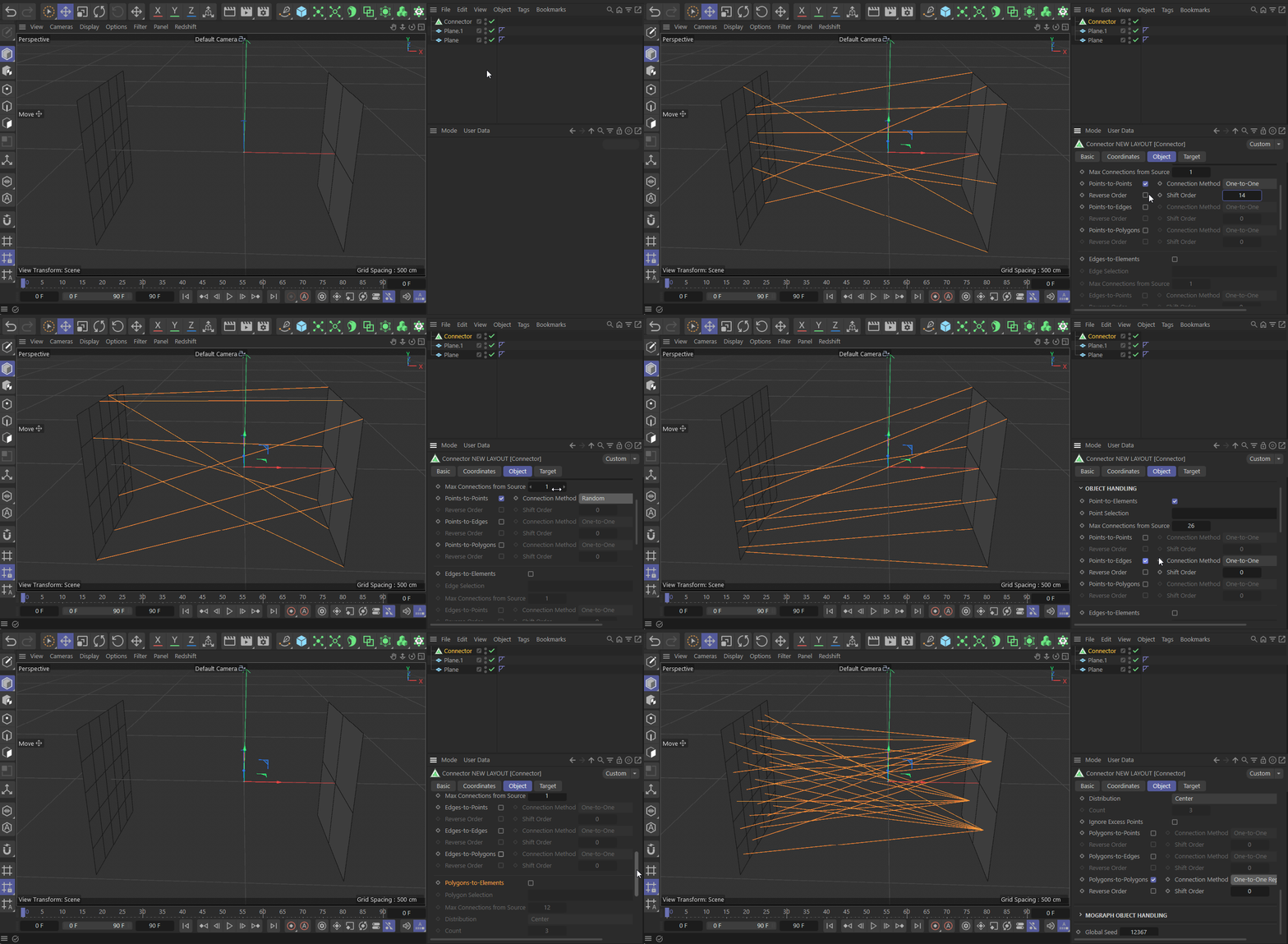
Point-to-Element - Will connect Points of the Source Object to elements of the Target Object.
Edge-to-Element - Will connect Edges of the Source Object to elements of the Target Object.
Polygon-to-Element - Will connect Polygons of the Source Object to elements of the Target Object.
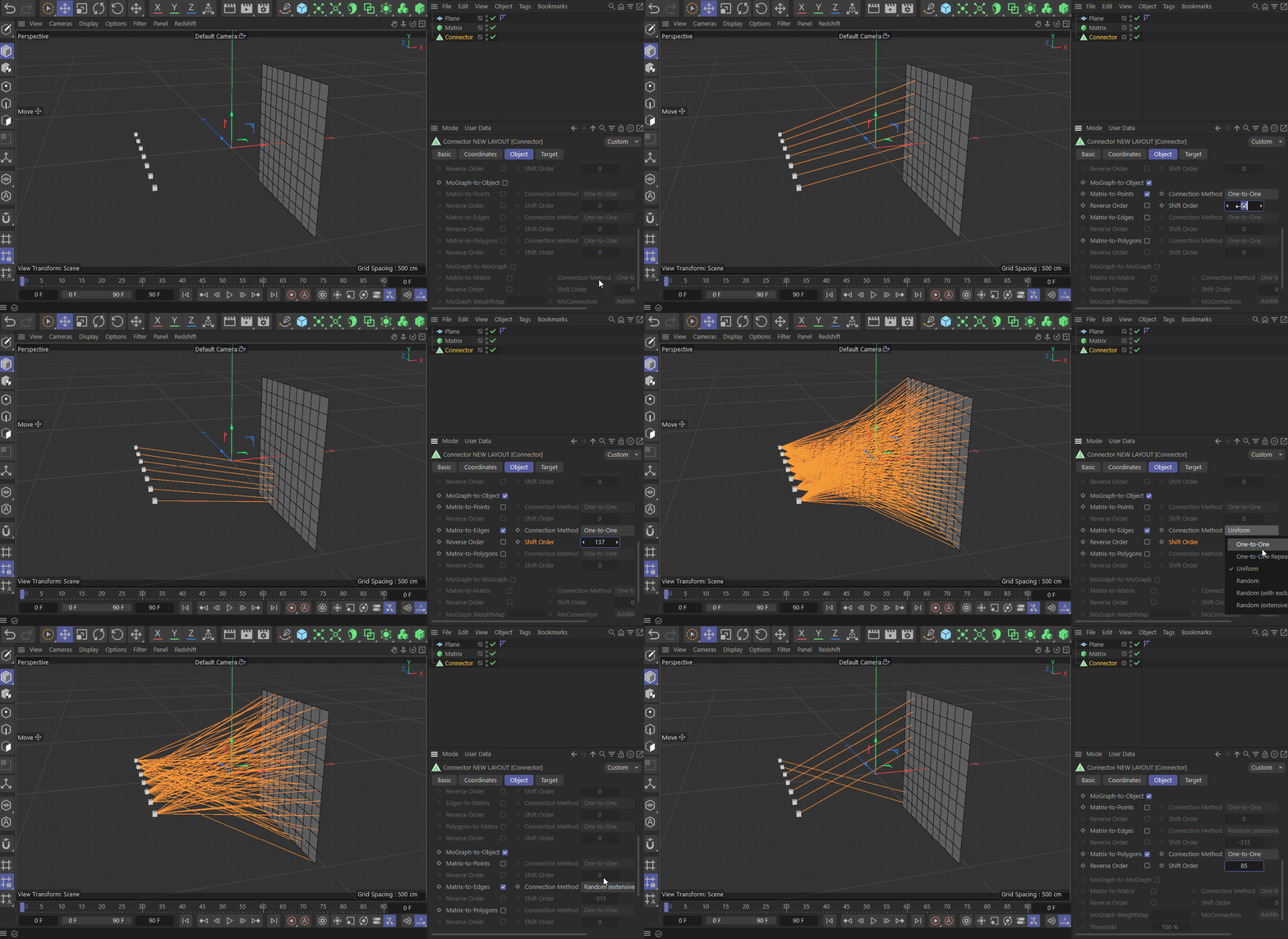
Object-to-Mograph - Will connect elements of the Source Object to MoGraph instances of the Target MoGraph Object.
Mograph-to-Object - Will connect MoGraph instances of the Source MoGraph Object to elements of the Target MoGraph.
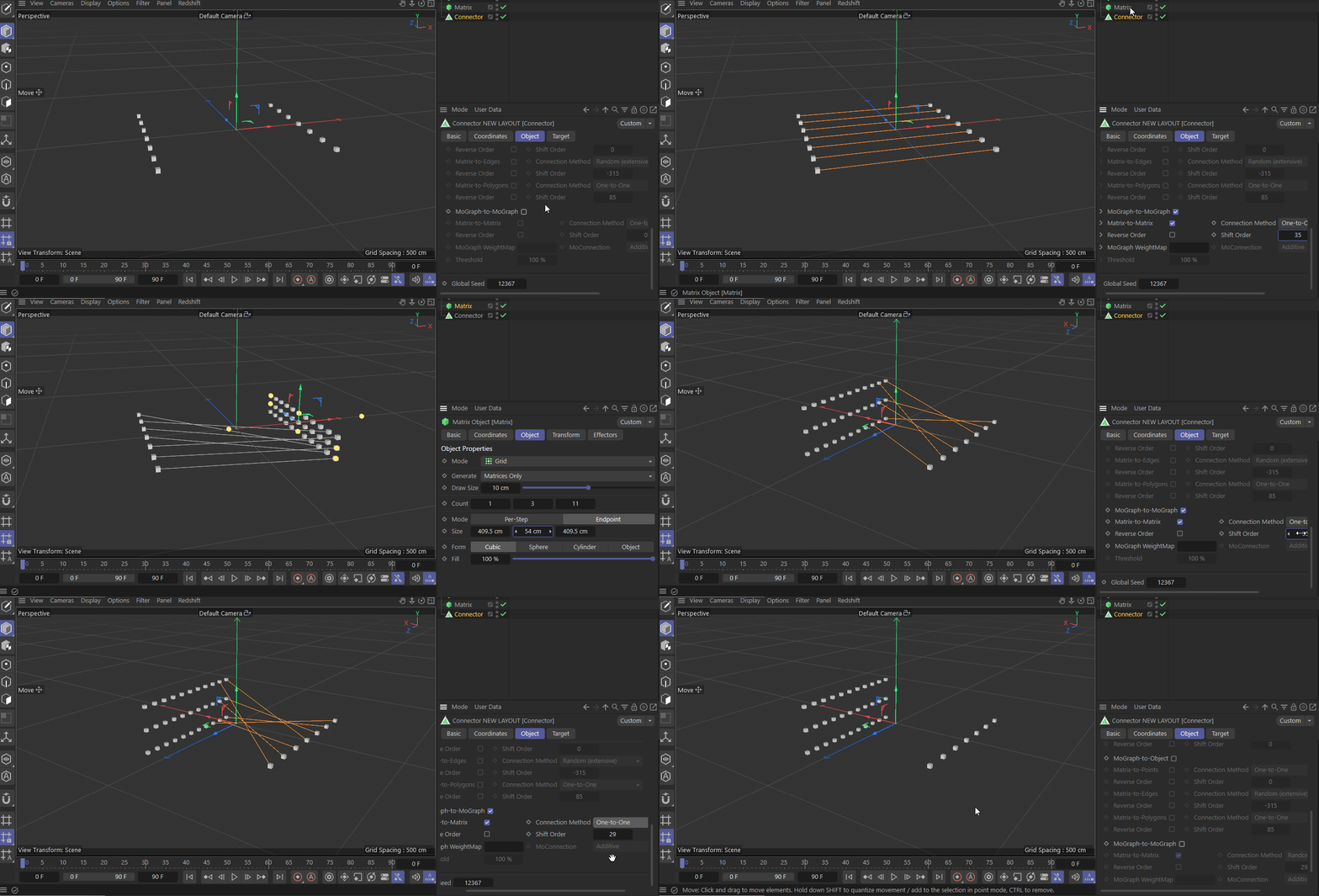
Mograph-to-Mograph - Will connect MoGraph instances of the Source MoGraph Object to MoGraph instances of the Target MoGraph.
Max Connections From Source - limits the number of times a certain element of the source object will be connected to an element of the target object.
Looks complicated but it's very intuitive. The Object tab controls what elements of the Source Object should be connected to what elements of the Target Object and how.
The Target Tab defines the Target Object/objects and the way the elements of the Source Object will be connected.
All connection methods have the same 5 options.
One-to-one: Will connect an element of the source object with an element of the target object with the same ID.
One-to-one Repeating: This is similar to the previous but in this case if the elements of the source object are fewer that the target object the algorithm will continue to connect elements continuing from the first element again of the source object until all elements of the target object have been associated with an element of the source object.
Uniform: Will uniformly spread the connections from the source object to the available targets. For example if there are 5 source points to be connected to 10 target points then this is how they will be connected:
0 - 0
1 - 2
2 - 4
3 - 6
4 - 8
If targets are less than the sources then some sources will be connected multiple times.Random: The algorithm will randomly choose an element of the chosen type from the source object and connect it to a random element of the same type of the target object. This will be executed X number of time were X is the number of elements on the source object.
Random with Exclusion: Same with the previous but this time each time an element from the source object is associated with a random element of the target object, it's no longer available to be chosen again the next time the algorithm choses a random element from the source object.
Random Extensive: This is similar to the Random with Exclusion but this time there is a check to see if every element of the source object and target object have been associated at least one time with the other object. If there are points with no associations the algorithm will run again but only for those points. The process repeats until there are no unassociated elements for both source and target object. There is a possibility that all elements from the source object are connected with elements of the target object but not all elements of the Target objects are connected to elements of the source object, in this case as it is already mentioned the algorithm will keep randomly connecting elements from the source object to the target object until those unassociated elements of the target object eventually are connected, but there is the possibility that this prosses will never end because the Max Connections from Source keeps preventing elements from being connected. In this case the algorithm will have a checking mechanism that keeps track how many times an element from the source object is associated with an element from the target object. If all elements of the source object have reached the number of associations defined by the Max Connections from Source then the algorithm stops.
An element from the source object can connect to the Edges of the target object with several ways. The Edges option will connect it to both ends of the edge while the Uniform will connect it to intermediate points excluding the end-points.
Similarly elements of the source object can be connected to the polygons of the target objects with several ways.
Limitations and future plans
MoSelection tags for Mograph Objects
Will add a "Include Children" for the One-to-Many connection method
Will add a Max Connections From Source limit for MoGraph source objects
MoWeight connection methods
Some enable/disable visibility with attributes related to other attributes or linked object types
Do you want to contribute to the development of this plugin? If yes, contact me.